

Published on June 25, 2024
8 min to read
How to Use Threads: A Guide to Getting Started and Building a Following

Summarize with AI

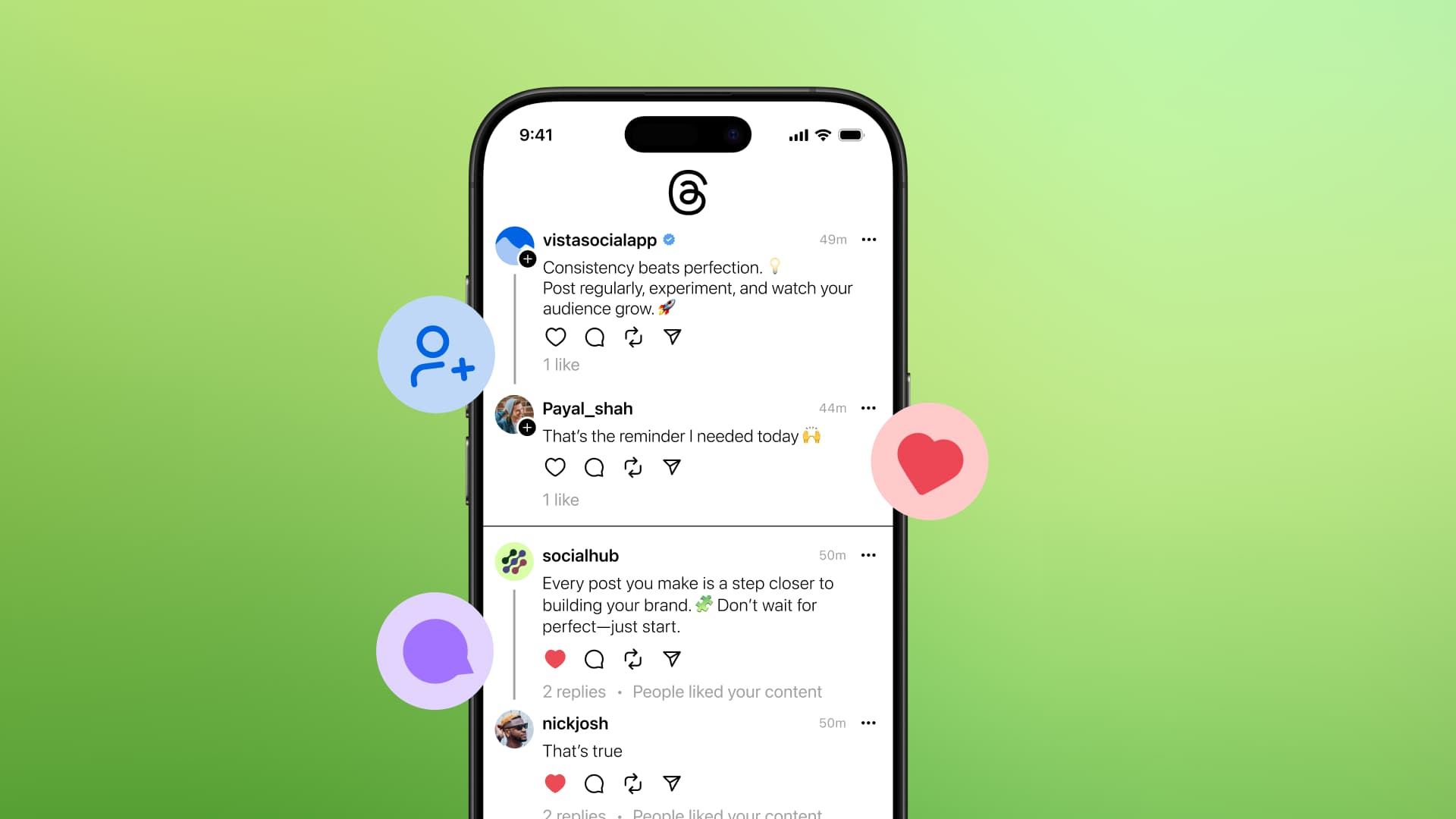
Table of contents
Summarize with AI

ChatGPT

Claude

Perplexity
Share

Vista Social

X (Twitter)


When Threads was launched, it became the fastest-growing app ever, with 100 million users in just 1 week.
Today, with almost double the amount of users, Meta’s text-based social media platform is now focusing its efforts in keeping users engaged and active.
This presents a unique opportunity for new users to dive in and make the most of this burgeoning platform.
If you’re looking to increase your followers on Threads (or be its next viral sensation), then this guide will help you get started and build your following.
We’ll explore how to set up your account, post engaging content, and leverage the platform’s features to build a dedicated audience.
But let’s be clear on one thing first.
Table of contents
What you will learn
- What is Threads?
- Who can benefit from using Threads?
- What’s the difference between Threads, X, and other social media platforms?
- Setting up your Threads account
- How to post on Threads
- How to build a following on Threads
- Tips and tricks to optimize your Threads feed and account
- Nail your efforts to use Threads to grow your following
What is Threads?
Threads is Meta’s newest social media platform designed for real-time, text-based conversations.
It acts as a companion app to Instagram that allows users to engage in threaded discussions (it’s kinda like X, but with less bots and fewer ads).
Threads aims to create a more intimate and focused environment for sharing thoughts, updates, and multimedia content by emphasizing simplicity and ease of use.
It features a clean interface where users can post text updates, images, and videos and engage in interactive elements like polls and GIFs.
The Instagram interaction facilitates seamless cross-platform interactions.
It allows users to share Threads posts directly to their Instagram stories or feeds, thereby enhancing the visibility of their content.
With that said, the question now is…
Who can benefit from using Threads?
While you can use Threads to share how you feel, vent out your frustrations, or just communicate your emotions, it’s particularly beneficial for these users:
- Content creators and influencers. The Instagram integration makes Threads a powerful tool for influencers to engage with their followers in real time, share behind-the-scenes content, and foster a more personal connection with their audience
- Businesses and brands. Companies can use Threads to communicate directly with their customers, share updates, promote products, and handle customer service inquiries in a more interactive and conversational manner
- Social media managers. For users running multiple social media campaigns, Threads offers an additional platform to reach audiences and implement content strategies. It provides another channel for timely updates and audience engagement
- Communities and interest groups: Threads can be used to create niche communities around specific interests or topics. It can facilitate focused discussions and information sharing among like-minded individuals
Setting up your Threads account
Setting up your account on Threads is pretty straightforward with these steps.
1. Download and install the app
You can download the Threads app from the Apple App Store or Google Play Store.
Once installed, launch the app and log in using your Instagram credentials.
If you don’t have an Instagram account, you’ll need to create one, as Threads is integrated with Instagram.
2. Customize your profile
When logged in, you can personalize your profile by adding a profile picture, bio, and a link.
First, click the profile icon at the lower right corner.
Then click on “edit profile.”
You’ll then land on this page…
Here, you can sync your profile picture, bio, and link from Instagram for consistency.
Choose whether your profile will be public or private, depending on your preference.
Of course, the best way to reach more people is to allow others to see what you post (so we recommend going public).
3. Follow relevant accounts
Threads allows you to follow all your Instagram connections who are already on the platform.
The feature ensures you don’t start from scratch and helps in building an initial follower base quickly.
How to post on Threads
Now that your account is up, you can create your first post or Thread.
Follow the steps below.
1. Creating a post
To create a post, tap the ‘+’ icon at the bottom of your screen or the composer at the top.
Enter your text, and if needed, add images, videos, GIFs, or polls. Threads supports various media types, making your posts more engaging.
Before posting, you can choose who can see your thread.
2. View your post options
Click the three dots at the top right of your post to see your options, such as managing who can reply to it.
Select ‘Anyone,’ ‘Profiles you follow,’ or ‘Mentioned only.’
The feature helps in controlling the interaction on your posts.
3. Use the Threads features
Threads offer several unique features:
- Repurposing Content: You can repurpose content from other social media platforms like Instagram Stories, TikTok videos, or Twitter threads
- Cross-Platform Integration: Threads content can be shared directly to Instagram, enhancing visibility on both platforms. Click the share button.
Choose how you want to share it.
How to build a following on Threads
Building a following on Threads requires a strategic approach that includes active engagement, consistent posting, leveraging trends, collaborating with influencers, and cross-promoting your profile.
Here are some practical tips to help you grow your audience on Threads:
Engage with other user content
Just like any other social platforms, active engagement is crucial for building a following.
Participate in conversations, reply to comments, and repost interesting threads. This interaction helps increase your visibility and attract followers.
Post regularly
Regular posting keeps your audience engaged and attracts new followers.
Use a mix of content types, including text updates, images, videos, and interactive posts like polls.
Being on your phone 24/7 trying to create and post content can seem exhausting.
However, social media management platforms like Vista Social can help streamline your efforts and make the process more manageable.
With features like automated posting, content scheduling, and analytics, you can plan and execute your social media strategy more efficiently.
Use trends and hashtags
Although Threads currently lacks a dedicated hashtag system, using keywords in your posts can improve discoverability. Stay updated with trends and incorporate them into your content to attract a wider audience.
Collaborate with influencers
Collaborating with influencers in your niche can significantly boost your follower count.
Influencers can introduce your profile to their audience, broadening your reach.
Promote your Threads profile
Cross-promote your Threads profile on other social media platforms.
Encourage your Instagram, Twitter, and Facebook followers to join you on Threads for exclusive content and updates.
Steal followers from 10k+ pages
Actually, you’re NOT stealing their followers.
Here’s what you’re going to do: find pages with a similar niche as you.
You want pages with at least 10k followers.
Go to their posts and follow people who are engaging with them. If you’re just starting out, you’ll have a bigger chance of getting follow backs than organic follows.
Tips and tricks to optimize your Threads feed and account
Maximizing your Threads experience involves customizing your feed, enhancing privacy settings, utilizing dark mode, and refreshing your feed for new content.
Here are some tips and tricks to help you get the most out of Threads:
Customize your feed
Threads offers two feed options: ‘For You’ and ‘Following.’
The ‘For You’ feed displays a mix of followed accounts and suggested content, while the ‘Following’ feed shows posts chronologically from accounts you follow.
Switching between these feeds can help you discover new content and engage other users more effectively.
Enhance privacy settings
Threads provides various privacy settings to control your experience.
Through the app’s settings, you can limit who can mention you, mute profiles, and block unwanted interactions.
If you don’t like a certain post and want to mute or block that page, then just tap the 3 buttons at the upper right corner of the post.
Choose whichever actions you want to do (mute, block, report, or click “not interested” to reduce seeing posts similar to the one you clicked).
Repopulate your feed
If your feed content isn’t appealing, refresh it by swiping down on the screen. The action updates the posts, providing new content to engage with.
Nail your efforts to use Threads to grow your following
By following this guide, you can effectively set up your Threads account, post engaging content, and start building a strong following.
Remember to stay active, interact with your audience, and leverage the platform’s features to maximize your reach and impact.
Create a FREE Vista Social account today and take your social media to the moon!
Try Vista Social for free
A social media management platform that actually helps you grow with easy-to-use content planning, scheduling, engagement and analytics tools.
Get Started NowAbout the Author

Content Writer
Jimmy Rodela is a social media and content marketing consultant with over 9 years of experience, with work appearing on sites such as Business.com, Yahoo, SEMRush, and SearchEnginePeople. He specializes in social media, content marketing, SaaS, small business strategy, marketing automation, and content development.
Loading related tools...




Tools
PublishingAnalyticsEngagementIntegrations
FacebookInstagramLinkedInRedditSnapchatThreadsTikTokX (Twitter)YouTubeBlueskyVista Page (link-in-bio)All IntegrationsCopyright © 2026 Vista Social LLC. All Rights Reserved.